









19
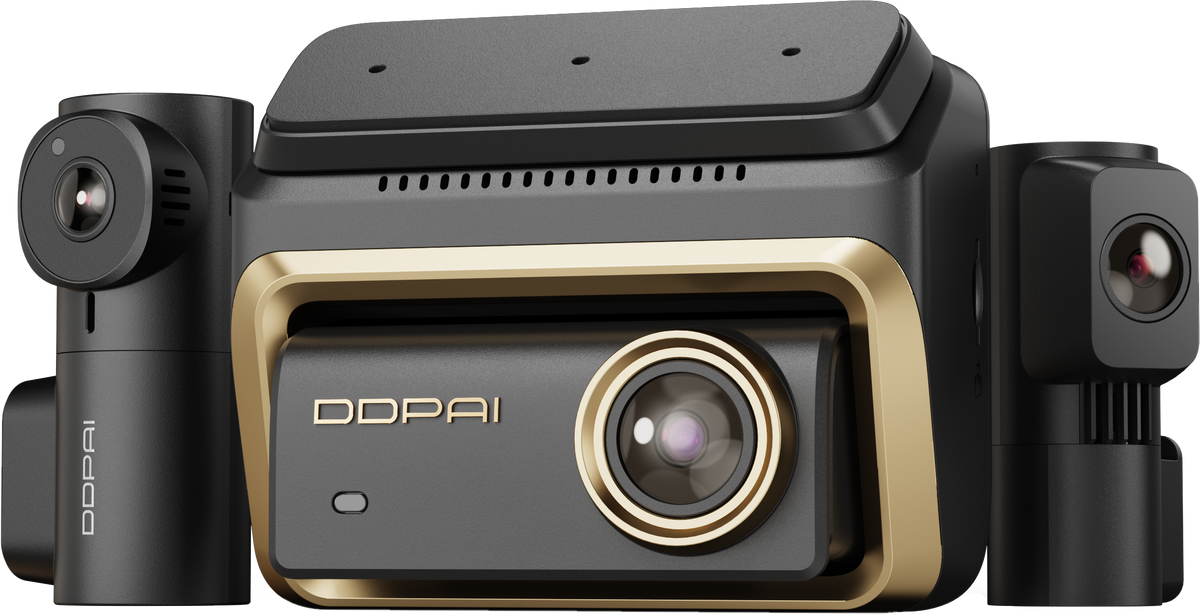
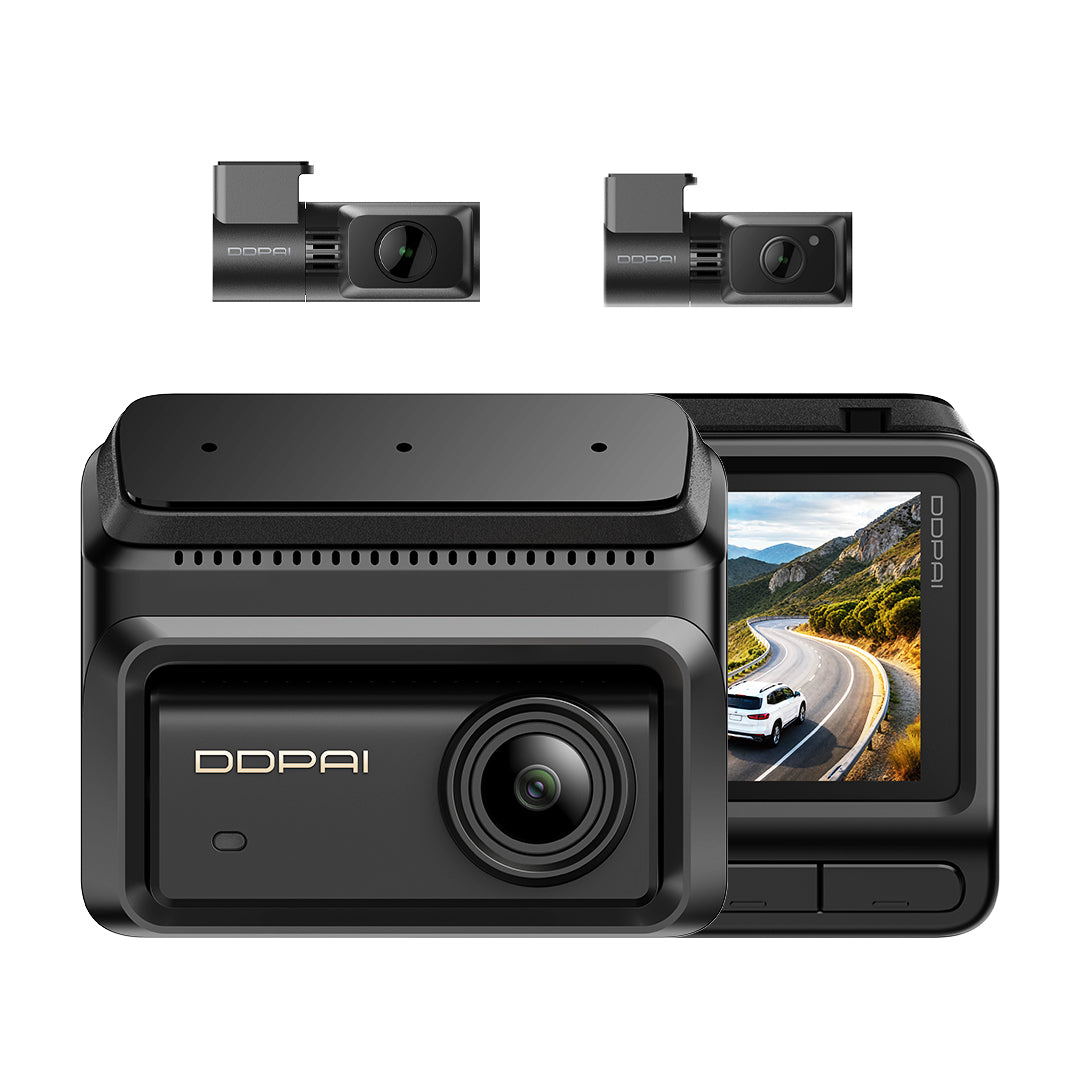
N5 Pro
Key Features
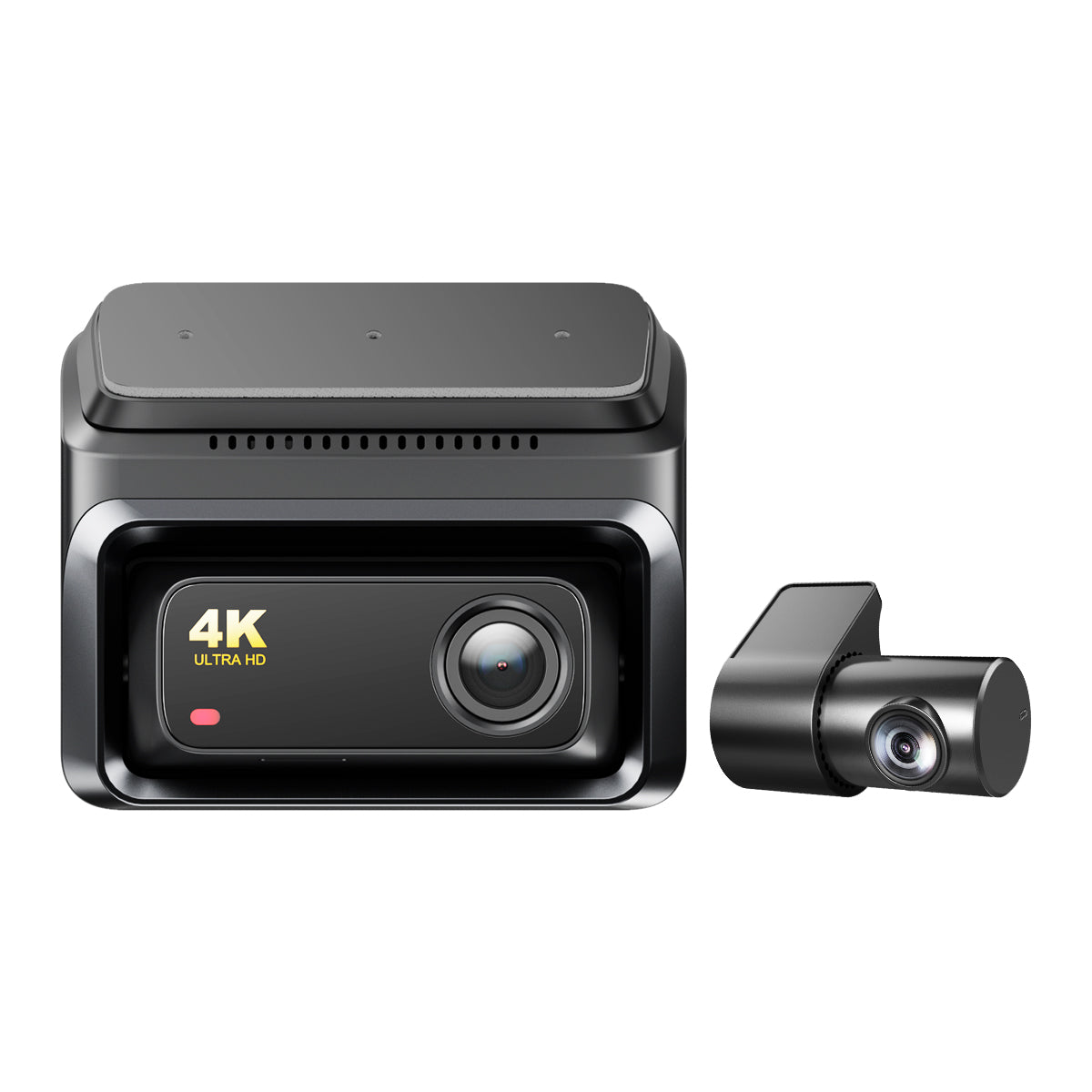
4K-UHD-Aufnahme
Zeichnen Sie Ihre Fahrt in 4K UHD auf.
NightVIS-Technologie
Die NightVIS-Bildtechnologie unterstützt Nachtaufnahmen.
KI-Parkmodus
Der KI-Parkmodus wird unterstützt.


N5 Pro
Angebotspreis$179.00
Regulärer Preis$279.00
See It in Action
Unboxing
Features
Installation
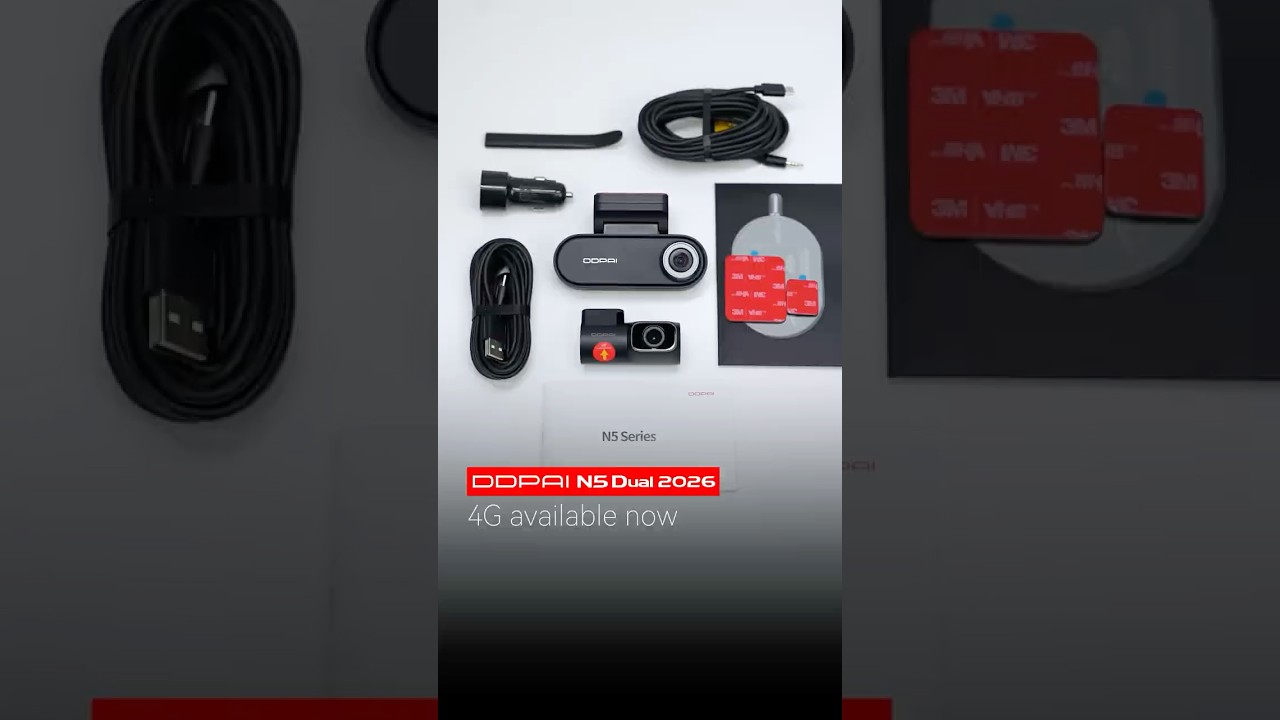
DDPAI N5 Dual 2026: Refreshed. Refined. Ready. 4G Remote Available Now.
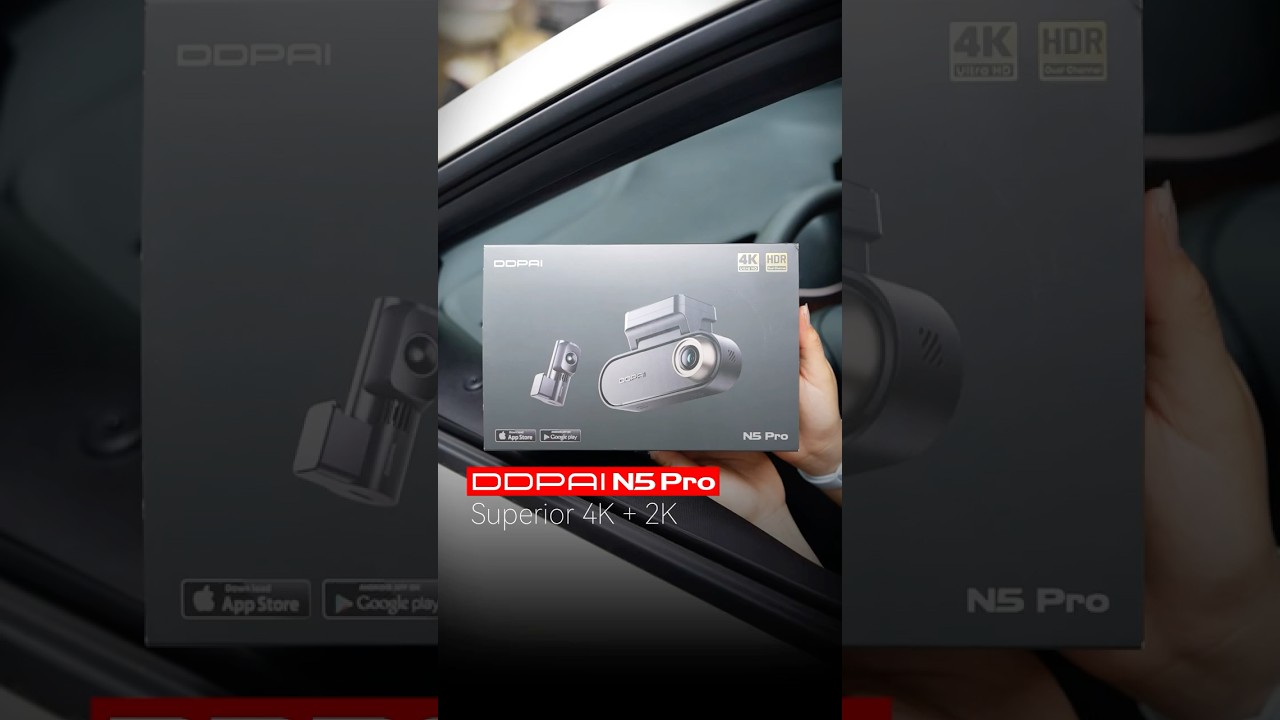
4K+2K Dual HDR clarity + 4G Remote Control + Radar Parking Mode.The DDPAI N5 Pro has it all!
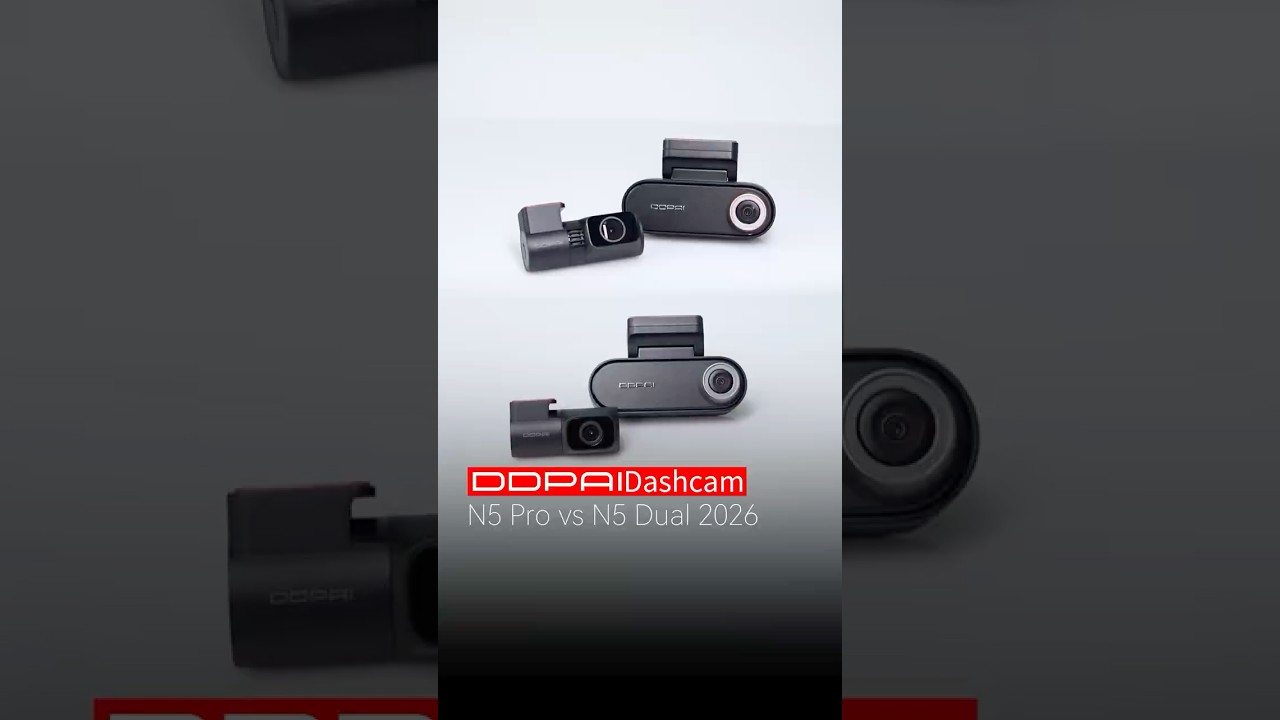
N5 Dual 2026 vs. N5 Pro: Which 4K Dashcam Should You Choose?
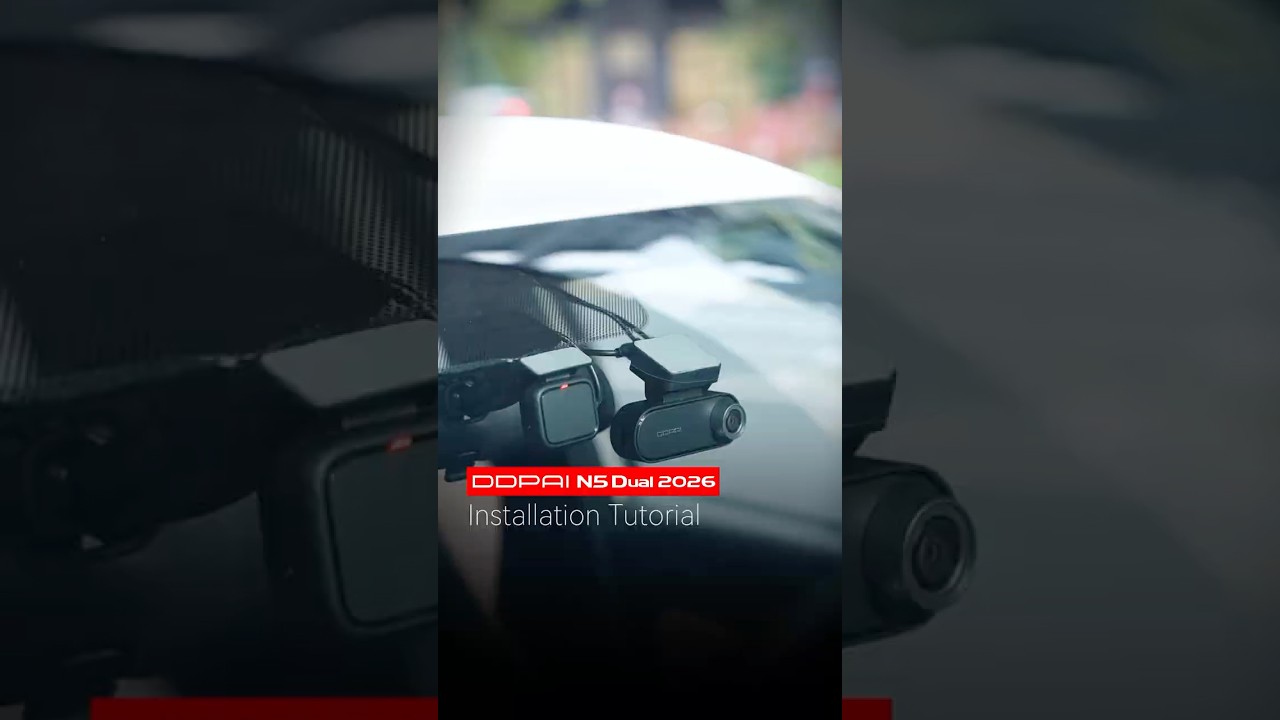
All-new DDPAI N5 Dual (2026 Edition) Setup. 4K security made simple.
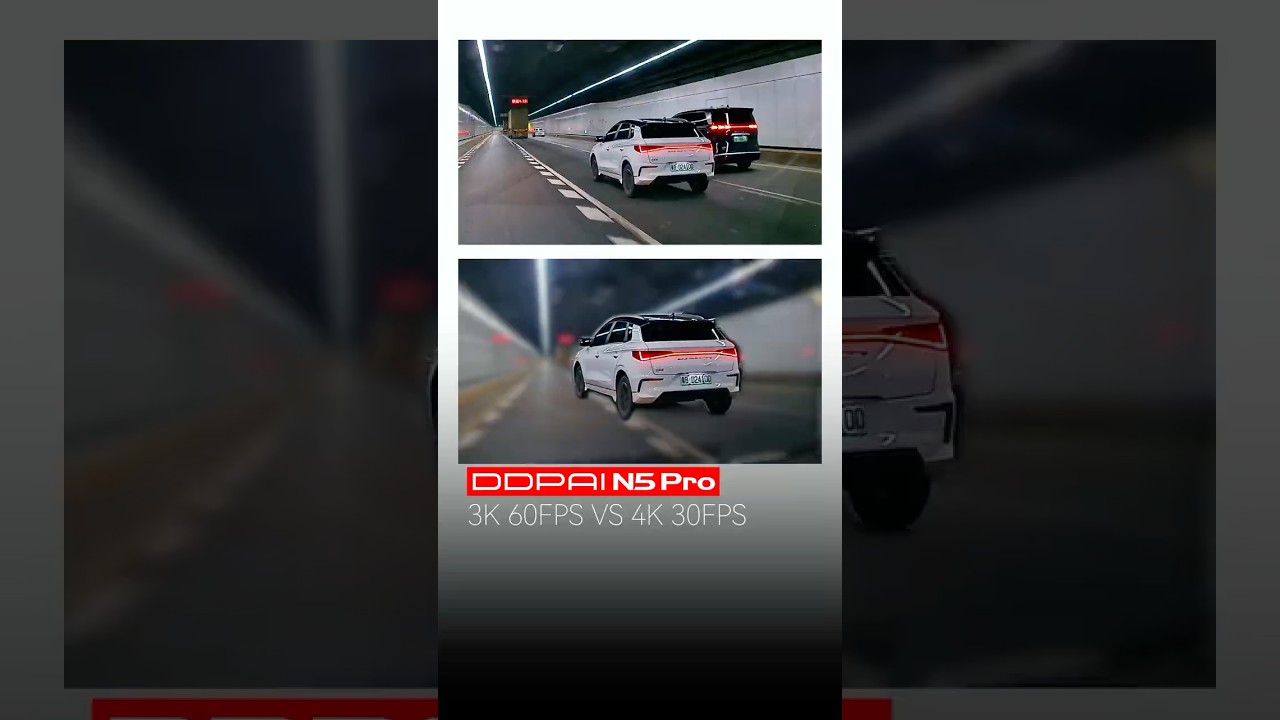
Details matter. Speed matters. DDPAI N5 Pro does both. 😉
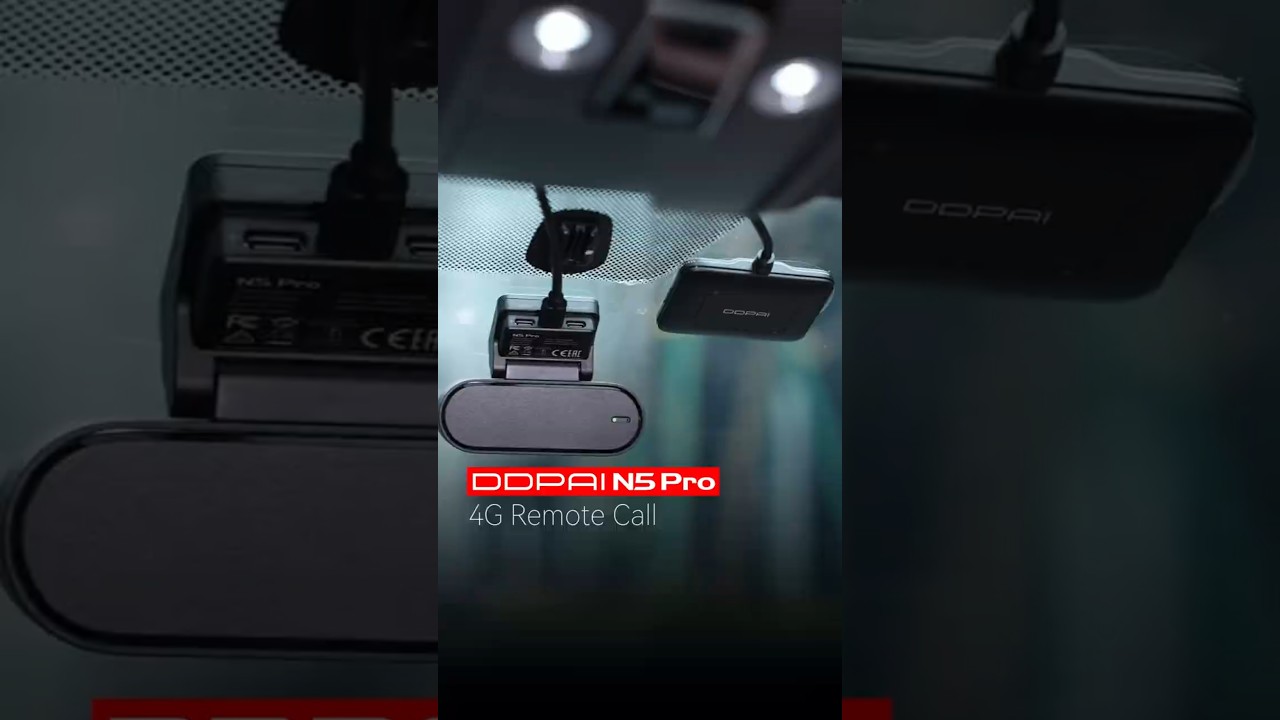
DDPAI N5 Pro 4G Two-Way Talk: Simple as a tap! 📲
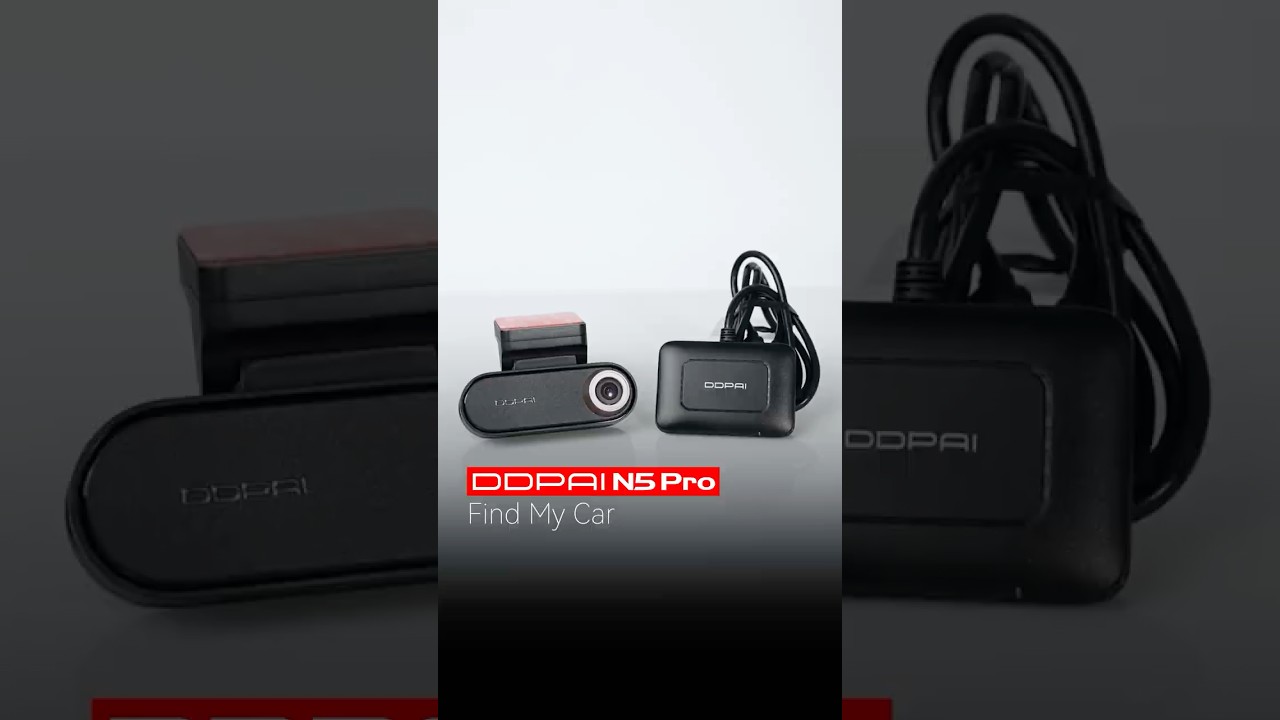
The DDPAI N5 Pro 4G Remote Control makes "Where did I park?" a thing of the past.😉✅
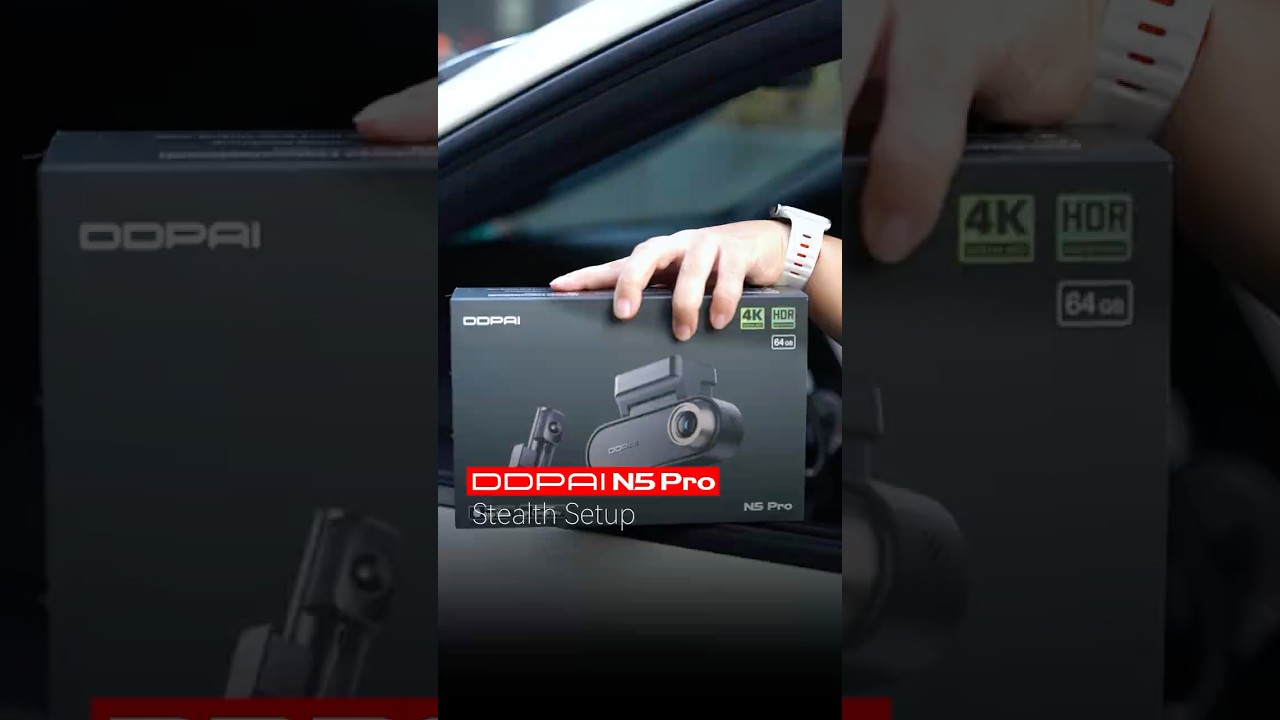
DDPAI N5 Pro Step-by-Step Installation: Pro Safety Made Easy!

Smart Vision, Compact Power

4K + 2K, Dual HDR
Featuring a 4K front camera and a 2K rear camera, the N5 Pro delivers clear images day and night, enhanced by Realcube technology with vibrant colors.

3K 60fps High Frame Rate Mode
Front camera’s high resolution and high frame rate recording ensures smooth motion in every dynamic moment.

NightVIS 2.0
Brighter. Sharper. Clearer. Enhances dark scenes for clearer details and more readable license plates, even in challenging low-light conditions.

Low-Power Radar Parking Monitoring
Stay protected while you’re away. Radar continuously monitors your vehicle and automatically records 10-second clips when motion or impact is detected.

4G Connected. Always Protected.
Remote live view, collision alerts, geofencing, and cloud backup—all from your phone, anywhere. Because peace of mind shouldn't stop when you walk away.

Up to 512G MicroSD Storage
Store more footage with extended recording and secure data protection.

Fast 4K Video Transfer
5GHz Wi-Fi 6 delivers speeds up to 40MB/s for fast, smooth 4K video preview and playback.

4K + 2K, Dual HDR
Featuring a 4K front camera and a 2K rear camera, the N5 Pro delivers clear images day and night, enhanced by Realcube technology with vibrant colors.

3K 60fps High Frame Rate Mode
Front camera’s high resolution and high frame rate recording ensures smooth motion in every dynamic moment.

NightVIS 2.0
Brighter. Sharper. Clearer. Enhances dark scenes for clearer details and more readable license plates, even in challenging low-light conditions.

Low-Power Radar Parking Monitoring
Stay protected while you’re away. Radar continuously monitors your vehicle and automatically records 10-second clips when motion or impact is detected.

4G Connected. Always Protected.
Remote live view, collision alerts, geofencing, and cloud backup—all from your phone, anywhere. Because peace of mind shouldn't stop when you walk away.

Up to 512G MicroSD Storage
Store more footage with extended recording and secure data protection.

Fast 4K Video Transfer
5GHz Wi-Fi 6 delivers speeds up to 40MB/s for fast, smooth 4K video preview and playback.
Built for Every Drive
From everyday drives to unexpected moments, N5 Pro is built to keep you covered wherever the road takes you, and give you peace of mind on every drive.


Choose Your N5 Pro Setup
Choose the coverage and protection that fit the way you drive—from essential recording to smart parking and 4G connectivity.


What's in the Box.

N5 Pro Dual
1Front Camera
2Rear Camera
3Car Charger
4Pry Tool
56m Power Cable (Rear)
63.5m Power Cable (Front)
73M Adhesive
8Electrostatic Sticker
9User Guide

N5 Pro Dual + Hardwire Kit
1Front Camera
2Rear Camera
3Car Charger
4Pry Tool
56m Power Cable (Rear)
63.5m Power Cable (Front)
73M Adhesive
8Electrostatic Sticker
9User Guide
10IPS Hardwire Kit

N5 Pro Dual 4G
1Front Camera
2Rear Camera
3Car Charger
4Pry Tool
56m Power Cable (Rear)
63.5m Power Cable (Front)
73M Adhesive
8Electrostatic Sticker
9User Guide
10IPS Hardwire Kit
114G Module

N5 Pro Dual + Radar Accessory
1Front Camera
2Rear Camera
3Car Charger
4Pry Tool
56m Power Cable (Rear)
63.5m Power Cable (Front)
73M Adhesive
8Electrostatic Sticker
9User Guide
10Radar Accessory
Which is the Best for You?
${ getProductBriefDescription(values[0]) }
${ getProductPrice(0) }
${ formatMoney(variantsCurrent[0] && variantsCurrent[0].compare_at_price) }
${ getProductBriefDescription(values[1]) }
${ getProductPrice(1) }
${ formatMoney(variantsCurrent[1] && variantsCurrent[1].compare_at_price) }
${ getProductBriefDescription(values[2]) }
${ getProductPrice(2) }
${ formatMoney(variantsCurrent[2] && variantsCurrent[2].compare_at_price) }
General
Kamera
Videoauflösung
Videoauflösung
Videoauflösung
HDR
HDR
HDR
Sichtfeld
Sichtfeld
Sichtfeld
Blende
Blende
Blende
Videocodierung
Videocodierung
Videocodierung
Videoformat
Videoformat
Videoformat
IMU
IMU
IMU
Funktionen
4G-Konnektivität
4G-Konnektivität
4G-Konnektivität
Integriertes GPS
Integriertes GPS
Integriertes GPS
App-Steuerung
App-Steuerung
App-Steuerung
Parküberwachung
Parküberwachung
Parküberwachung
WLAN und Bluetooth
WLAN und Bluetooth
WLAN und Bluetooth
Speicher
Speicher
Speicher
Sprachsteuerung
Sprachsteuerung
Sprachsteuerung
GNSS
GNSS
GNSS
ADAS
ADAS
ADAS
Allgemein
Produktabmessungen
Produktabmessungen
Produktabmessungen
Gewicht (Vorderseite)
Gewicht (Vorderseite)
Gewicht (Vorderseite)
Bildschirm
Bildschirm
Bildschirm
Bildschirmauflösung
Bildschirmauflösung
Bildschirmauflösung
Andere
Mikrofon
Mikrofon
Mikrofon
Lautsprecher
Lautsprecher
Lautsprecher
Superkondensator
Superkondensator
Superkondensator
Betriebstemperatur
Betriebstemperatur
Betriebstemperatur
Lagertemperatur
Lagertemperatur
Lagertemperatur
Stromanschluss
Stromanschluss
Stromanschluss
Check out suitable Cam Parts

 4K + 1080P
4K UHDDual-Speicher
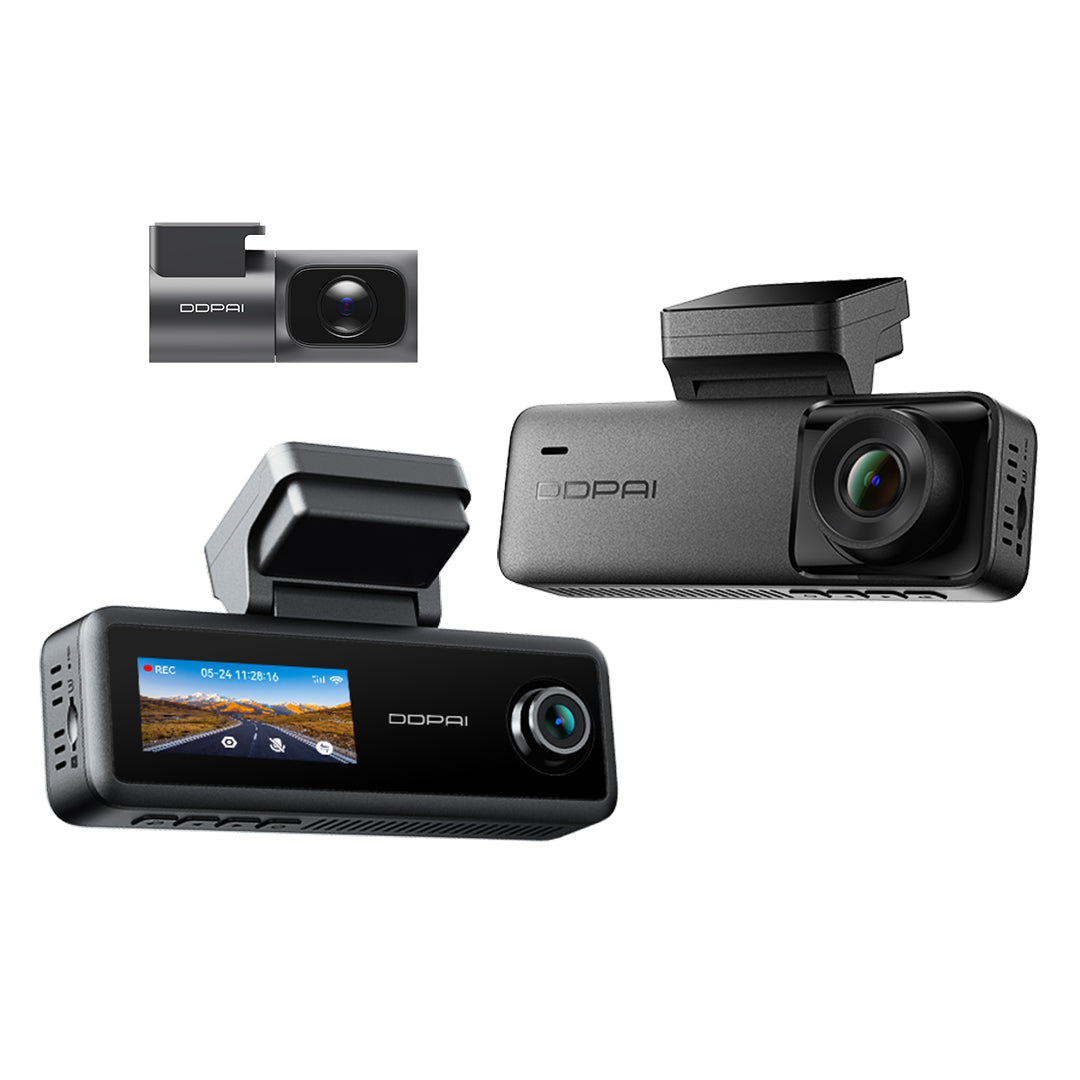
N5 Dual 2026
KI-BewegungserkennungNightVIS

 4K-Dashcam
4K UHDHDR
Z60 Pro
NightVIS 2.0Dual Sony STARVIS

Customer Reviews
Overall rating: 5.0 / 5 from 28 reviews.

I've had a DDPAI M3 camera in the past, but this one is even better and from what I've tested so far, the Radar is really effective.

great quality

Thanks

Good

👍🏼❤️

Very good dash cam but still testing.

Fast delivery and quality is great

Very good quality application and features!!!
Fast delivery, excellent product quality
Until now everything is perfect, my experience till now is more than expecting! Thanks a lot 🙏
Спасибо,быстро доставили,и за подарки спасибо
I have installed the N5pro with radar and I am very happy with the unit so far . Only issue at the moment is when I’m working in the garage with the car locked radar is constantly turning off and on which is exactly what it’s meant to do, to resolve this I pull the plug on the radar of which i can access easier than power supply. I would like to complete the set with the 4G unit . When my budget allows . The gifts that were sent with the order were very much appreciated Thanks Rod
A high quality dash cam with great features. Order processing and delivery is handled very promptly.
Ricevuta in tempi brevissimi ho molto apprezzato imballaggio e omaggio la monterò purtroppo solo la prossima settimana. Grazie per la precisione e la velocità.
Very good cam, fast shipping, happy customer!
Perfectly
Great peace of kit brilliant quality , very easy to install with the old kit
Tje camera arrived very fast to Portugal, 1 week it was here. Wonderful! Installation is easy for handy man like me. The package is excellent! The quality of the camera is amazing and quite surprising! The materials looks excellent. I am still learning how to use it and to fine tune it but the application helps a lot. I am very satisfied with this camera. Thank you!
Great product. Hard to beat the price for what a great piece of technology you get.
Quick easy delivery to UK. Always use ddpai
It’s great for driving experience
Good dashcam
Very good quality and the application is so simple and fast Only thing it doesnt come with the SD CARD otherwise everything is great
It is a perfect product. I have two DDPAI camera, and each works very well, I love them.
Great Service!
The product is great. Easy installation. Great support team. Highly recommended
Items arrived very quickly and i installed them by using the obd connector. I havent installed the 4g module.... yet. As i ran out of daylight. But the camera and radar modules are working beautifully.
The best!
Frequently Asked Questions
1. How to format the memory card?
Format the memory card (Method 1): After the mobile phone successfully connects to the device, enter the “Camera Settings” interface, tap“Storage Management”and you can select to format the memory card.
Format the memory card (Method 2): Remove the memory card, insert it into the card reader, and connect it to the computer. Find the memory card drive, Right-click and select “Format”. The fat32 option will appear and select “Format” (uncheck “Quick Format”).
2. How to export the driving video in the memory card?
Use the card reader to connect the memory card with the computer, and you can export the driving video.
3. What is the Wi-Fi password of the Dash Cam?
The default Wi-Fi password of the device is “1234567890”. You can change the password, go to “Camera Settings” > “Set WIFI Password” after connecting the app with your mobile phone.
4. Can I change the Wi-Fi password of the Dash Cam?
It can be modified. The specific modification method is to enter “Device Settings” interface after the Dash Cam is connected to the mobile phone, select “Device Wi-Fi Password” after entering, enter a new password, confirm it, and save it.
5. How to reset the Dash Cam?
In case of abnormal state, press the function button for approximately 6 seconds to reset the device. After successful reset, the device will automatically restart.
6. What if I forget the Wi-Fi password?
Press the function button for approximately 6 seconds to reset the device, and then connect the Dash Cam again (default password: 1234567890).
7. Why can’t I see the image of my rear camera?
Please ensure that the rear camera cable is firmly connected to the front camera. Then enter the preview interface of the app and tap to switch to view the image of rear camera.
Show More